COSHH
COSHH assessment template
A blank COSHH assessment form to print and fill in by hand. Three A4 pages laid out the way HSE guidance describes, with a staff sign off sheet at the back.
Free, no signup, no watermark. Follows the COSHH Regulations 2002, regulations 6 and 7.
Page 1 · Substance or product
A4- Product name
- Supplier
- Physical formliquid, powder, gas, aerosol, dust, fume
- Signal wordDanger or Warning, from the label
Risk rating
Likelihood × severity, 1 to 5 each
- Before controls × =
- With controls × =
The three pages you download
Every field is labelled and most carry a hint saying what goes there and where on the data sheet to find it.
COSHH assessment
Control of Substances Hazardous to Health Regulations 2002, regulation 6
1. Substance or product
2. Hazards
Hazard classes and H statements from section 2 of the safety data sheet. Workplace exposure limit from EH40 or section 8.
3. How the substance is used
4. Risk rating
Likelihood (1 to 5) × severity (1 to 5). 1 to 7 low, 8 to 14 medium, 15 to 25 high.
5. Control measures in place
In the order regulation 7 requires. Eliminate, substitute, engineering controls, safe systems of work, then PPE.
Eliminate or substitute
Engineering controls (extraction, enclosure, dosing)
Safe systems of work (training, procedures, hygiene, storage, spills)
Personal protective equipment (type and standard)
6. Further action required (what, who, by when)
Health surveillance and monitoring
7. First aid and emergencies
8. Sign off
This template follows the structure in HSE guidance and the COSHH Approved Code of Practice (L5). A completed assessment is a starting point that the employer must review against the actual workplace.
Staff acknowledgement
Assessment number ____________ Product ______________________
By signing below I confirm that I have read this COSHH assessment, understand the hazards and the control measures, and will follow them. I will report any problem with the controls, and any symptoms, to my supervisor.
- 1
The substance and the risk
Who assessed it and when, what the product is, what harm it can do, how it is used, and how risky that is before and after controls.
- Assessment number and dates
- Product and supplier
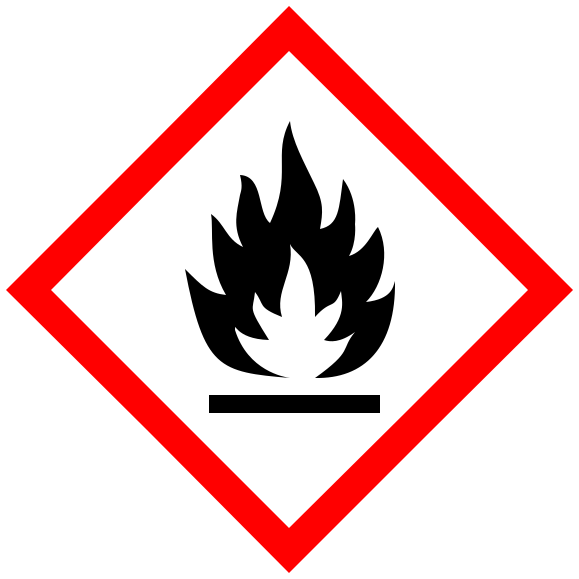
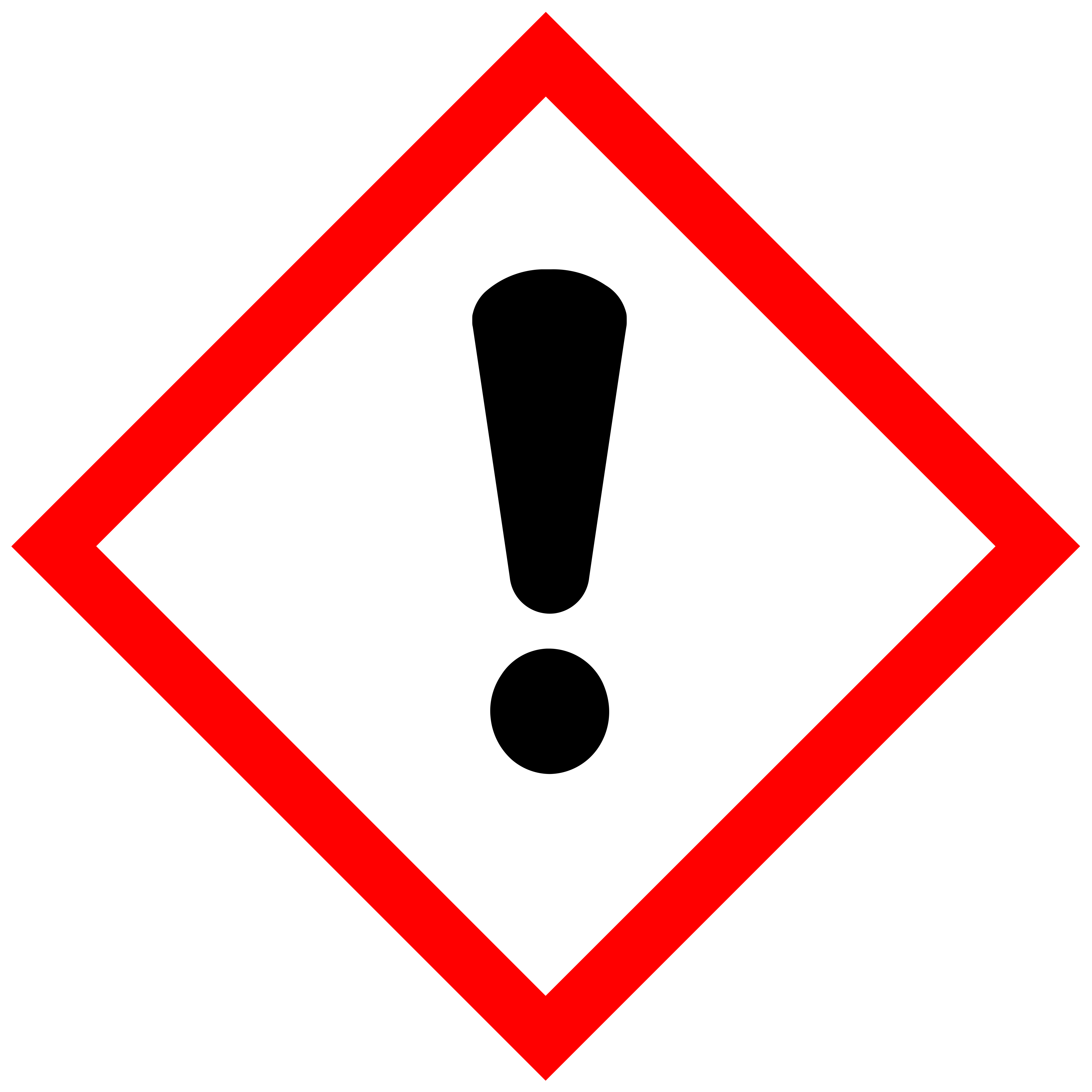
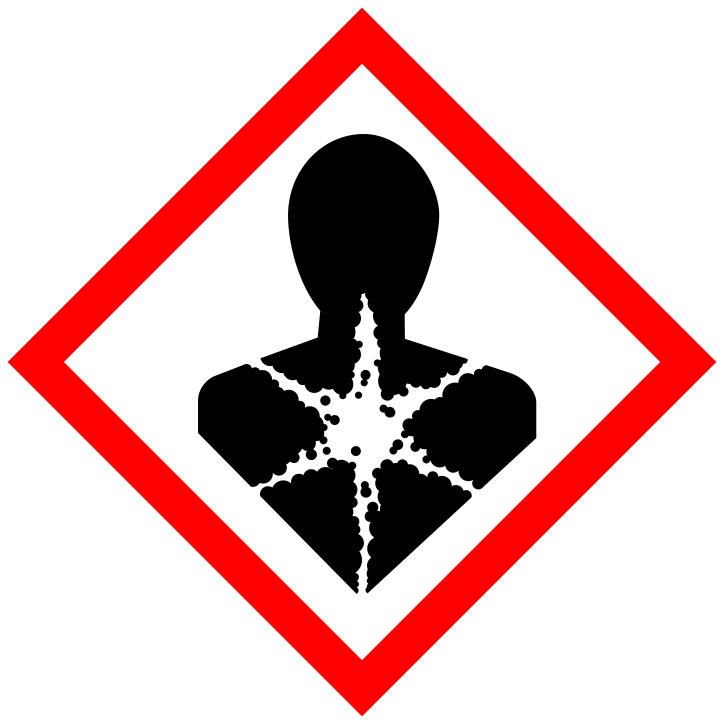
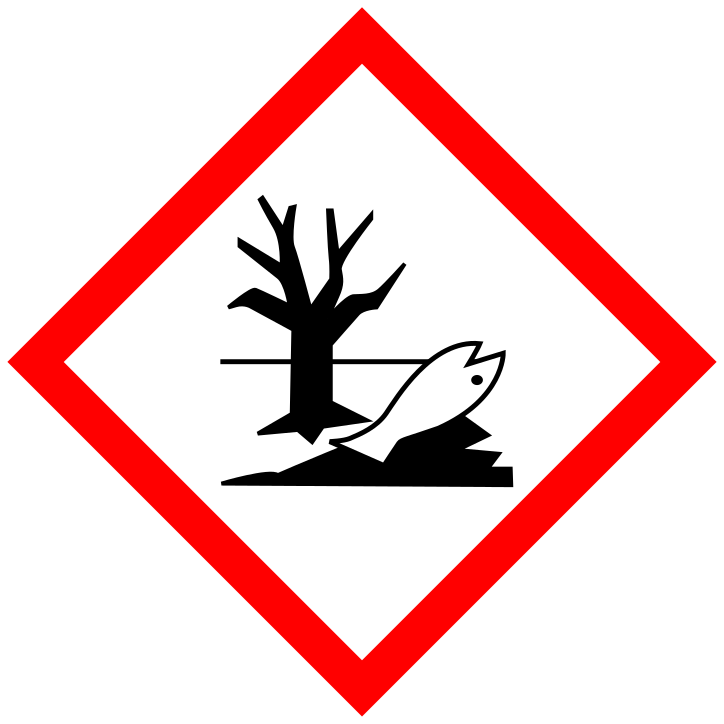
- Pictograms
- Hazard classes and H statements
- Exposure limit
- Task and who does it
- Risk rating
- 2
Controls and sign off
Four boxes in the order regulation 7 requires, then what still needs doing, health surveillance, first aid, and the signatures that make it a record.
- Eliminate or substitute
- Engineering controls
- Safe systems of work
- PPE
- Further action
- Health surveillance
- First aid
- Assessor and approver
- 3
Staff acknowledgement
Twenty lines for the people who do the job to confirm they have read the assessment and will follow the controls.
- Assessment number
- Product
- Name, signature, date
What is on the form
The same sections as the assessments our generator produces, left empty for you to write in.
The structure HSE expects
Substance, hazards, how it is used, risk rating, controls, health surveillance, emergencies and sign off. The sections an inspector looks for, in that order.
Controls in the order the law requires
Four boxes for eliminate or substitute, engineering controls, safe systems of work, then PPE. Regulation 7 of COSHH sets that order and the form follows it.
Rated before and after controls
Likelihood times severity, scored twice, so the finished form shows the controls made a difference.
Staff acknowledgement page
A third page with twenty lines for name, signature and date. Proof the people doing the job have read the assessment.
Three pages, A4
Prints on any printer in black and white. Hints in each field say what goes there and which section of the data sheet to copy it from.
Free, no signup
Download it as many times as you need. No account, no watermark, no email address.
How to use it
Print, fill in, sign. Have the product label and the safety data sheet in front of you.
- Step 1Download and printThree A4 pages. Print one set per substance or product, or per task if the same product is used differently in different places.
- Step 2Fill it in from the label and the data sheetSection 2 of the data sheet gives the hazards, section 8 the exposure limits and PPE, section 4 the first aid. Describe the task as it is actually done.
- Step 3Sign it off and brief the staffAssessor and manager sign page 2. Everyone who does the job signs page 3. File it in your COSHH register with the data sheet.
Filling it in
Last reviewed 2 September 2026
Have the product label and the safety data sheet in front of you. Copy the hazard classes and H statements from section 2 of the data sheet into the hazards box, the exposure limit and PPE from section 8, and the first aid from section 4. If the data sheet from the supplier is more than a few years old, ask for a current one.
Describe the task as it is actually done, not as the manual says it should be done. Say who does it, how often, how much is used and for how long, and whether the room has extraction or just an open window. Those details decide the risk rating and which controls matter.
Rate the risk before and after controls. If the score with controls in place is still medium or high, the further action box is where you write what will change, who will do it and by when. If you are unsure of anything, write that down rather than guessing.
The employer signs it off, everyone who does the job signs page 3, and the form goes in the COSHH register with the data sheet. Set a review date, a year at most, and sooner if the product, the task or the people change.
Prefer the hazards filled in already?
Templates by substance open in the generator with the classification, pictograms and exposure limit in place. You add the task and download a finished PDF.
Common questions
- Is there an official HSE COSHH assessment template?
- HSE publishes guidance and example assessments but no single mandatory form. Any format is acceptable as long as it records the significant findings: the substance and its hazards, who is exposed and how, the controls, and who assessed it and when. This template follows that structure.
- Is the template free?
- Yes. Download the blank PDF or use the online generator as many times as you need without an account.
- Can I get it in Word?
- A Word version is coming. Until then the online generator lets you edit every field and produces a PDF, which is what most inspectors and clients ask for.
- Do I need one assessment per product?
- One per substance or product per task is the usual approach. If the same product is used the same way in several places, one assessment can cover them, as long as it says so.
- Should I fill it in by hand or online?
- By hand is fine and many small businesses do. The online generator does the same job with the hazard data already filled in for common substances, suggests controls in the right order, and gives you a typed PDF that is easier to update at the next review.
Ready to print it?
Three pages, A4, no signup.